
- 布局变化
- 用 CSS 做动画
- 性能
- FLIP
- 把所有东西放在一起
- 动画的大小
- 测量尺寸变化
- 反转尺寸变化
- 使用 position 固定大小
- 修复转换的起点
- 如果 Transform Origin 发生变化怎么办?
- 纠正子元素的变形
- 反比例公式
- 尝试
- 正确的缩放时间
- 其实不是这样的?
重现 framer 的神奇布局动画的指南。
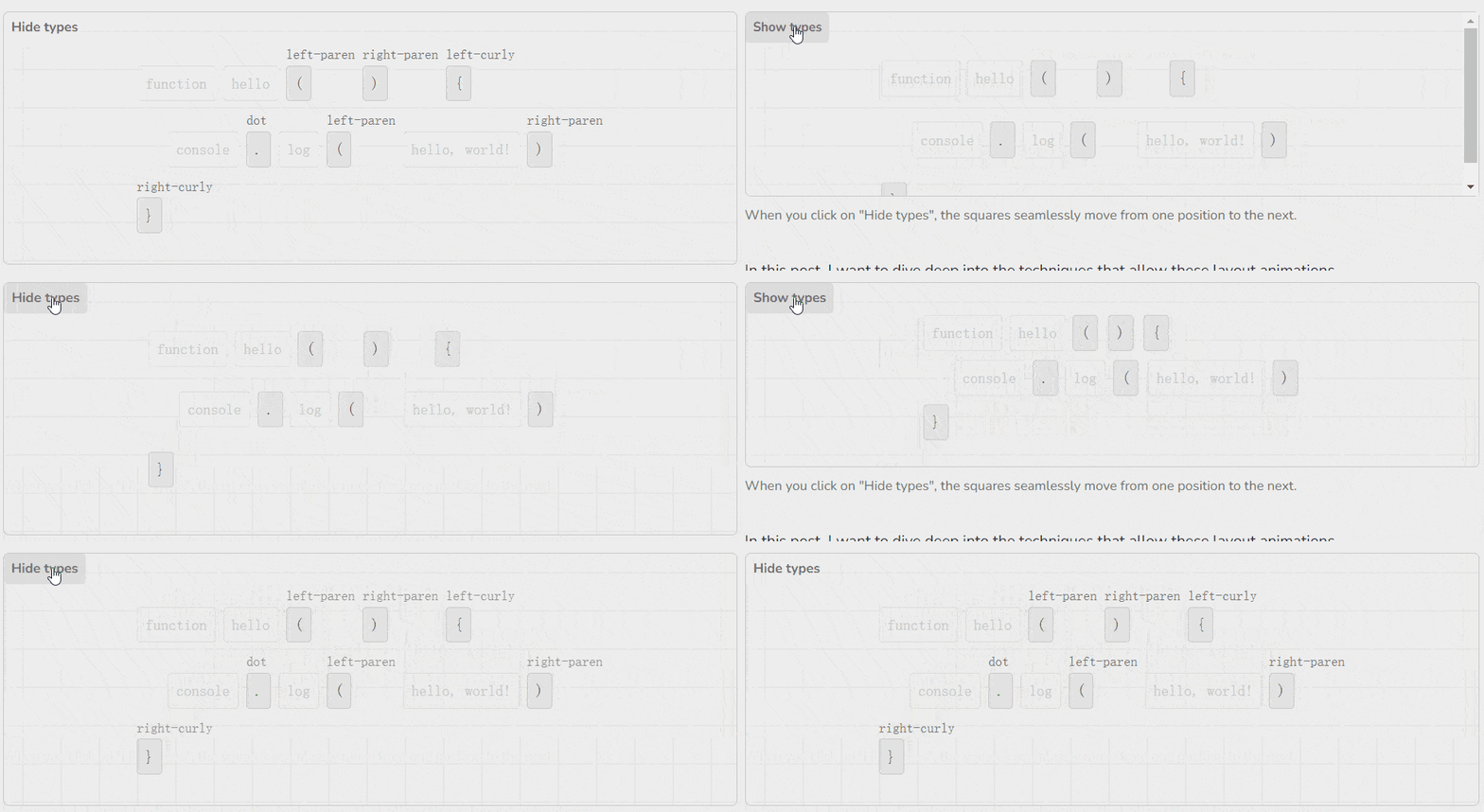
到目前为止,我最喜欢 Framer Motion 的部分是它神奇的布局动画–将 layout prop 拍在任何运动组件上,看着该组件从页面的一个部分无缝过渡到下一个部分。
<motion.div layout />
在上面的例子中,蓝线表示父方的比例,而黄线表示子方的比例。请注意,蓝线是一条直线,而黄线则有点像曲线。这告诉我们,反比例的时间与父比例的时间是不一样的!
为了解决这个问题,我们可以这么做:
- 提前计算出正确的时间
- 每当父元素比例发生变化时,计算反比例。
(2)恰好比(1)简单得多,而且还允许我们在父元素上处理各种不同的时序。这也是 Framer Motion 使用的方法。
animate({
  from: inverseTransform,
  to: {
    x: 0,
    y: 0,
    scaleX: 1,
    scaleY: 1,
  },
  onUpdate: ({ x, y, scaleX, scaleY }) => {
    parentRef.style.transform = `...`;
    const inverseScaleX = 1 / scaleX;
    const inverseScaleY = 1 / scaleY;
    childRef.style.transform = `scaleX(${inverseScaleX}) scaleY(${inverseScaleY}) ...`;
  },
});
App.js
import React from 'react'
import Motion from './Motion'
import './styles.css'

export default function App() {
  const [toggled, toggle] = React.useReducer(state => !state, false)
  const [corrected, toggleCorrected] = React.useReducer(state => !state, false)

  return (
    <div id="main">
      <div>
        <button onClick={toggle}>Toggle</button>
        <label>
          <input type="checkbox" checked={corrected} onChange={toggleCorrected} />
          Corrected
        </label>
      </div>
      <div id="wrapper" style={{ justifyContent: 'center' }}>
        <Motion toggled={toggled} corrected={corrected}>Hello!</Motion>
      </div>
    </div>
  )
}
Motion.js
const changed = (initialBox, finalBox) => {
  // we just mounted, so we don't have complete data yet
  if (!initialBox || !finalBox) return false;

  // deep compare the two boxes
  return JSON.stringify(initialBox) !== JSON.stringify(finalBox);
}

const invert = (el, from, to) => {
  const { x: fromX, y: fromY, width: fromWidth, height: fromHeight } = from;
  const { x, y, width, height } = to;

  const transform = {
    x: x - fromX - (fromWidth - width) / 2,
    y: y - fromY - (fromHeight - height) / 2,
    scaleX: width / fromWidth,
    scaleY: height / fromHeight,
  };

  el.style.transform = `translate(${transform.x}px, ${transform.y}px) scaleX(${transform.scaleX}) scaleY(${transform.scaleY})`;

  return transform;
}
其实不是这样的?
在这种情况下,使比例校正工作的方式是通过将子元素包裹在<div>中,并将比例校正应用于<div>中,这会有一些问题:
- 一个运动组件在 DOM 中有两个元素,从用户体验的角度来看,这可能是个问题
- 所有子组件都进行了比例校正,不可能一个子组件被校正而另一个子组件不被校正
- 如果子组件也在做动画,可能会有问题–我没有测试过,但我认为比例校正会导致问题,因为我们扭曲了子组件的坐标空间
Framer Motion 的做法有点不同,我们必须让子组件成为布局组件来选择加入比例校正。
<motion.article layout>
  <motion.h1 layout>Hello!</motion.h1> <-- is scale corrected
  <p>World!</p> <-- is not scale corrected
</motion.article>
这个 API 意味着子组件需要能够 “钩住 “父组件的动画,这让实现变得更加复杂。
我选择不以这种方式实现,因为我不想脱离核心的比例校正概念。如果你有兴趣,可以看看 Framer Motion 源代码,他们使用一种叫做 “投影节点( “projection nodes”)”的东西来维护自己的类似 DOM 的运动组件树。