
纯 JS 代码实现按钮左右抖动效果代码,基本不会存在与 jquery 脚本可能冲突的情况。
效果如下:
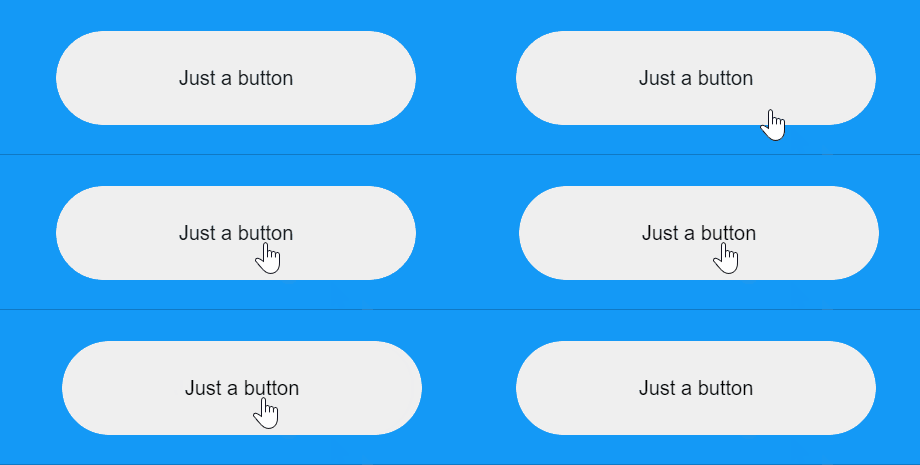
HTML 代码:
<button id="btn">Just a button</button>
CSS 代码:
body {
    min-height: 100vh;
    font-family: Roboto,Arial;
    display: flex;
    justify-content: center;
    align-items: center;
    background: #1499f7;
}

.btn {
    -webkit-appearance: none;
    border: 0;
    position: relative;
    height: 63px;
    width: 240px;
    padding: 0;
    cursor: pointer;
    border-radius: 32px;
    overflow: hidden;
    -webkit-mask-image: -webkit-radial-gradient(white,black);
}
JS 代码:
document.getElementById('btn').addEventListener('click', function(e) {
    Shaking(e.target)
})

function Shaking(el) {
    const maxDistance = 5 // 抖动偏移距离
    const interval = 12 // 抖动快慢,数字越小越快,太小 DOM 反应不过来,看不出动画
    const quarterCycle = 8 // 一次完整来回抖动的四分之一周期
    let curDistance = 0
    let direction = 1
    const timer = setInterval(function() {
        if (direction > 0) {
            curDistance++
            if (curDistance === maxDistance) {
                direction = -1
            }
        } else {
            curDistance--
            if (curDistance === -maxDistance) {
                direction = 1
            }
        }
        el.style.left = curDistance + 'px';
    }, interval)
    setTimeout(function() {
        clearInterval(timer)
        el.style.left = '0 px';
    }, maxDistance * interval * quarterCycle);
}